
Last updated: November 19, 2026
Key Takeaways
- Watch 2 to 4 date options and 1 to 3 routes so the best deal stays visible.
- Build one master list, then save each trip piece as an alert-based search.
- Use tools that save searches, send alerts, and compare the same trip across sites.
- Two to four dates and a few routes are usually enough to spot the pattern.
A family trip price drop watchlist helps you compare dates, routes, and lodging types in one place instead of guessing and checking each site by hand. How to Build a Family Trip Price Drop Watchlist works best when you build around saved searches, alerts, and watch dates so you can catch fare changes without drowning in tabs. The steps below show what to track, where to track it, and what to ignore.
What a family trip price drop watchlist should track first

Therefore, when you plan a trip for four people, every search changes the numbers a little. One day the flight is cheap, the next day the hotel is the better deal, and your school calendar has just narrowed the dates again.
A good travel price tracking watchlist starts with the items that change fastest: flight routes, hotel dates, and room type. That means you track one origin, one destination, a few date ranges, and the room or fare class you can actually book.
Here’s the catch: a watchlist is not a savings plan by itself. It is a comparison tool. If you track too many options—five airports, eight hotels, six date sets—you’ll get noise, not a clean signal.
Use these first fields for every family trip:
- Route: city pair, not just a country or region.
- Travel dates: your first-choice dates plus a backup window.
- Lodging type: hotel, apartment, or all-inclusive.
- Party size: adults, children, and any room-sharing limit.
- Bags or extras: checked bag, breakfast, parking, or resort fees.
Meanwhile, if you use Google Flights, hotel booking sites, and price tracking tools in the same watchlist, keep the naming consistent. “NYC to Orlando” and “New York to Orlando” can look like different searches even when they are the same trip. That creates duplicates.
How do you build the watchlist step by step?
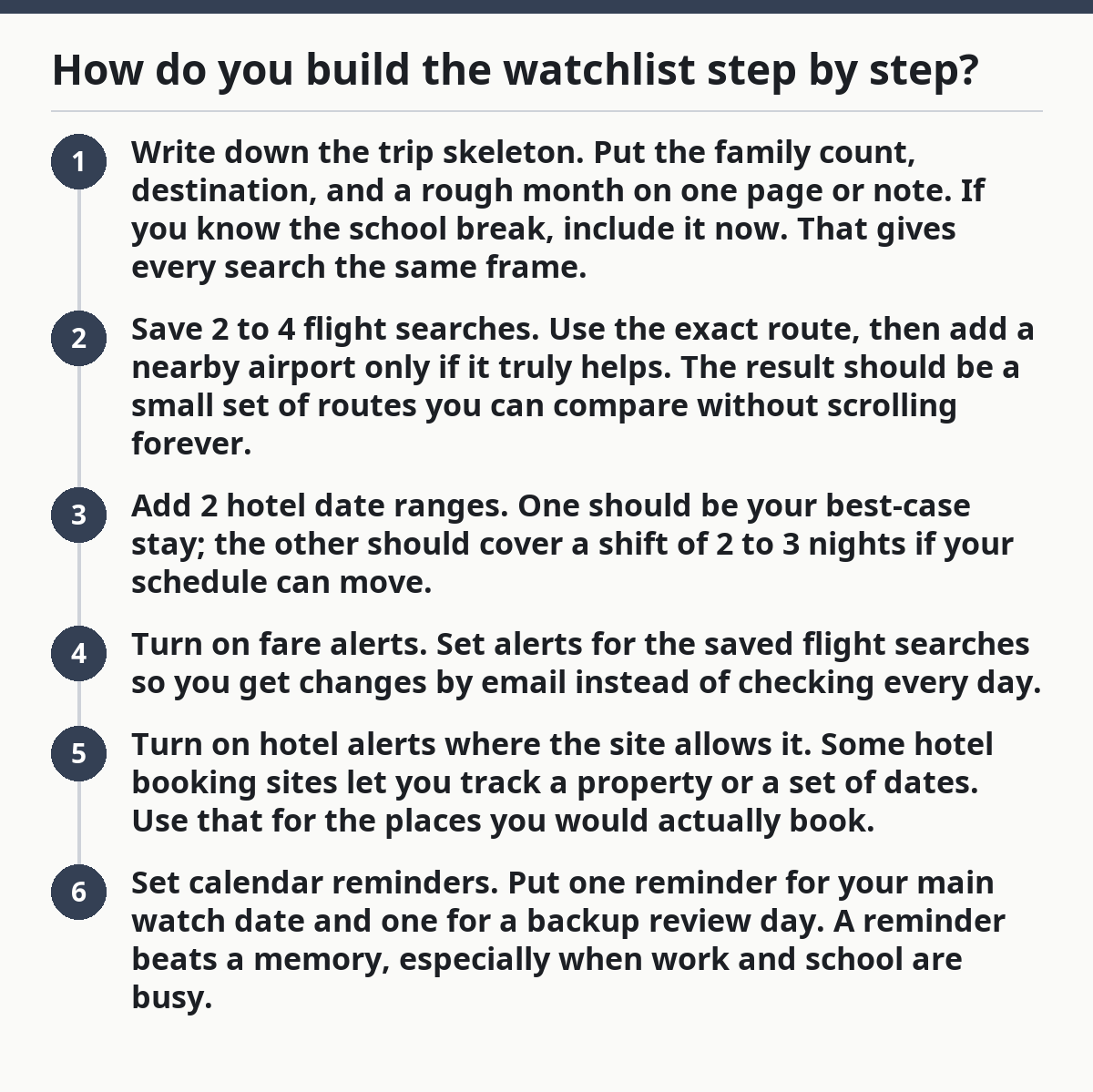
You build it by creating one master list, then turning each trip piece into a saved search with alerts attached. The cleanest setup is a 3-layer system: watch dates, fare alerts, and hotel alerts. That keeps the process simple enough to review in 10 minutes instead of 45.
- Write down the trip skeleton. Put the family count, destination, and a rough month on one page or note. If you know the school break, include it now. That gives every search the same frame.
- Save 2 to 4 flight searches. Use the exact route, then add a nearby airport only if it truly helps. The result should be a small set of routes you can compare without scrolling forever.
- Add 2 hotel date ranges. One should be your best-case stay; the other should cover a shift of 2 to 3 nights if your schedule can move.
- Turn on fare alerts. Set alerts for the saved flight searches so you get changes by email instead of checking every day.
- Turn on hotel alerts where the site allows it. Some hotel booking sites let you track a property or a set of dates. Use that for the places you would actually book.
- Set calendar reminders. Put one reminder for your main watch date and one for a backup review day. A reminder beats a memory, especially when work and school are busy.
The best part is that a watchlist works even if you do not book right away. It just keeps the same searches alive long enough for a drop to show up.
A simple watchlist template
Use the same pattern for every family trip:
- Trip name
- Route
- Dates to watch
- Hotel type
- Alert source
- Review date
- Decision rule
That last line matters. A decision rule can be as plain as: “If the flight drops enough to beat the hotel gap, book the flights first.” You do not need a spreadsheet to make this work. You do need one place where the choice gets written down.
For a deeper planning frame, this watchlist belongs under the site’s broader hub on budget family travel planning by booking timing and pricing.
Which tools belong in a family trip watchlist?

The right tools are the ones that let you save searches, get alerts, and compare the same trip across more than one site. The usual mix is Google Flights for routes, hotel booking sites for rooms, calendar reminders for timing, and price tracking tools for alerts.
Google Flights is strong for route watching because it makes flight alerts easy to set and easy to edit. That helps when you are comparing two airports or a date shift of 1 to 3 days. The trade-off is that it tracks flights well, but it does not solve the hotel side of the trip. Separate problem. Separate tool.
Hotel booking sites help you watch room prices, fee changes, and cancellation rules. Use them for the stays you would genuinely book, not for every hotel in the city. Many sites also show different prices for different room types, so a family room and a standard double should never sit in the same note without labels.
Calendar reminders handle the human part. A price drop alert is only useful if someone checks it. Put the reminder on the day you usually compare travel costs—say, every Wednesday evening—and on the date when your family can still change plans without a penalty.
For example, a practical split looks like this:
- Google Flights: flights, nearby airports, route shifts.
- Hotel booking sites: room rates, cancellation windows, stay length.
- Email alerts: quick changes you do not want to miss.
- Calendar reminders: review dates and booking deadlines.
- Price tracking tools: long-watch searches that stay open for weeks.
Now, you might be wondering which tool should do the heavy lifting. The answer is the one that matches the bigger cost on your trip. For a flight-heavy trip, start with Google Flights. For a resort or city stay where lodging is the bigger bill, start with hotel booking sites. One tool is not enough for every family trip.
How many dates and routes should you compare?
You should compare a small set: 2 to 4 date options and 1 to 3 routes is usually enough to see the pattern without creating clutter. That range gives you real choices while keeping the watchlist readable.
For example, if you’re choosing between a Friday departure and a Saturday departure, plus one backup week if school timing shifts, that is enough to show whether the lower fare is tied to the weekday, the season, or the route itself. If you add more than that, the watchlist often turns into a pile of almost-the-same searches.
The truth is, families often compare too much and learn too little. A long list can look thorough, but it may make the cheapest option harder to spot. A tighter list lets you see whether a price drop is real or just a brief change tied to one date.
Use this rule for each trip:
- Keep one primary date set.
- Keep one backup set that is close to the first.
- Add a third set only if school dates or work shifts are flexible.
- Compare the same dates across each route, not random mixes.
For lodging, the same idea applies. Track 1 hotel class you can afford plus 1 backup type if that type sells out fast. If you want an apartment instead of a hotel room, do not mix those in the same watchline without a label. Apartment rates often behave differently from hotel rates, and the comparison gets muddy fast.
A watchlist should help you answer one question: “Which option dropped enough to book now?” If it cannot answer that, it has too much in it.
What should go on the watchlist note itself?
Your watchlist note should hold the facts that change the decision, not every travel detail in the world. A clean note should fit on one screen and still show the price, date, source, and next check date.
Use a simple record for each option:
- Trip label
- Search site
- Current price
- Last checked
- Watch date
- Alert on or off
- Notes on fees
That structure matters because families often compare prices that look lower but are not. A flight with a checked-bag fee or a hotel with parking charges can erase the drop you thought you found. Write the extra cost right next to the main price.
A useful watchlist note for a family of four might look like this:
- Flight A, Google Flights, current fare, checked today, review next Monday, alert on, bag fee applies.
- Hotel B, booking site, nightly rate, checked today, review next Thursday, alert on, breakfast included.
- Backup Hotel C, booking site, current rate, checked today, review next Thursday, no breakfast, free cancel.
Use short labels. “Family beach trip” is better than “Summer maybe maybe.” “Orlando Fri-Sun” is better than “Theme park thing.” Clarity keeps the watchlist alive after the first week.
If you want a threshold, write it down in plain language: “Book if the total drops under the amount set for this search” or “Keep watching if the stay still depends on school approval.” You do not need a hard rule for every trip, but you do need one for the offers that disappear fast.
Common mistakes that make price drops hard to spot
The biggest mistake is tracking too many versions of the same trip. That costs you time and hides the real drop under duplicate alerts. The fix is to cap each trip at a few searches and label them by route, date, and lodging type.
Another mistake is mixing flight alerts and hotel alerts in the same list without separation. That costs you clarity. A flight drop and a room drop are different decisions, so they need different lines and different review dates.
A third mistake is forgetting cancellation rules. A cheap fare that cannot be changed may be a bad fit for a family trip where school, work, or kids’ schedules can move. A low rate with a strict penalty can cost more than a slightly higher rate that stays flexible.
Watch for these traps:
- Duplicate searches: same trip, different spelling.
- Too many date pairs: the list gets noisy.
- Hidden fees: bags, parking, breakfast, resort charges.
- No review date: alerts pile up unread.
- No backup option: the first deal disappears and you have nothing else ready.
Therefore, the best way around these mistakes is boring but effective: review the watchlist once on the same day each week. Ten minutes is enough if the list is tight. If it takes half an hour, the setup is too loose.
When should you stop watching and book?
You should stop watching when the best option matches your trip rules and the savings are real after fees, not just on the headline number. That usually means the route, room, and dates all line up well enough that waiting more would risk losing the trip you want.
For example, if you have three family options left, and one flight plus one hotel pair now gives you the best mix of price and timing, the watchlist has done its job. If the other options only save a small amount but make the schedule worse, stop staring at it.
Use a final check before you book:
- Is the trip still inside your watch dates?
- Do the dates still fit school, work, and sleep?
- Are the fees already counted?
- Does the hotel fit the family size?
- Is the flight route still one you can live with?
The truth is, the watchlist is most useful before a sale window closes, not after you have chased every possible dip. Families lose money when they keep waiting for a better price that never shows up. They also lose money when they book too early without comparing a few saved searches first.
If the deal is good enough and the schedule works, book it and clear the watchlist so you do not keep second-guessing the choice. If the deal still depends on a lot of maybes, leave the alerts on and check again at the next reminder.
What should I track first for a family trip?
Since airfare is often the biggest cost, track the flight route first if that is the item most likely to move your budget. Track the hotel first if lodging will drive the total. One route and one hotel search are enough to begin; you do not need ten alerts on day one.
How many dates should I compare for the best price?
Compare 2 to 4 date options for most family trips. That gives you a real sense of whether one day is cheaper without turning the watchlist into clutter. If your dates are fixed by school or work, use a main set plus one backup set that is close by.
How often should I check prices before booking?
Check prices once a week if your trip is still far out, then more often as your watch dates get close. A weekly review plus email alerts usually catches useful drops without creating alert fatigue. If a trip is within a short booking window, check on the reminder day and again before any deadline passes.
Drafted with AI; not yet reviewed by a person.